 RANGER
 For teachers
Class links
Pick the activities, share one link, and your class plays them in order. No accounts, no ads, nothing to install, and nothing is sent anywhere.
Make one in a minute
- Tap Make a class link on a game below. Inside a game, it’s under Options → For teachers → Class link.
- Tap the activities in the order you want them played, up to 30. Each one shows its number.
- Pick a language for students if you like: English or Español.
- Copy the link into your class page, or Print it as a card for the board.
Games with class links
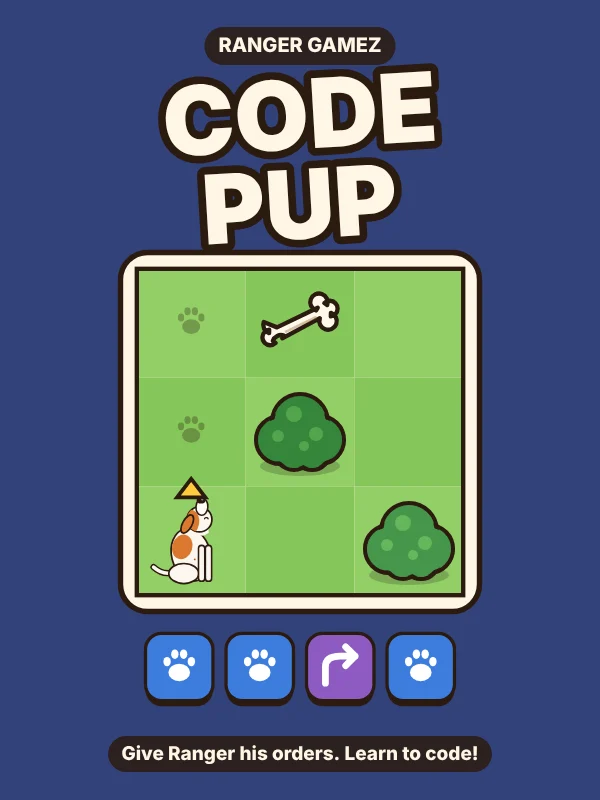
CODE PUP
Sequences, loops, functions and debugging. Students give Ranger his orders with blocks.
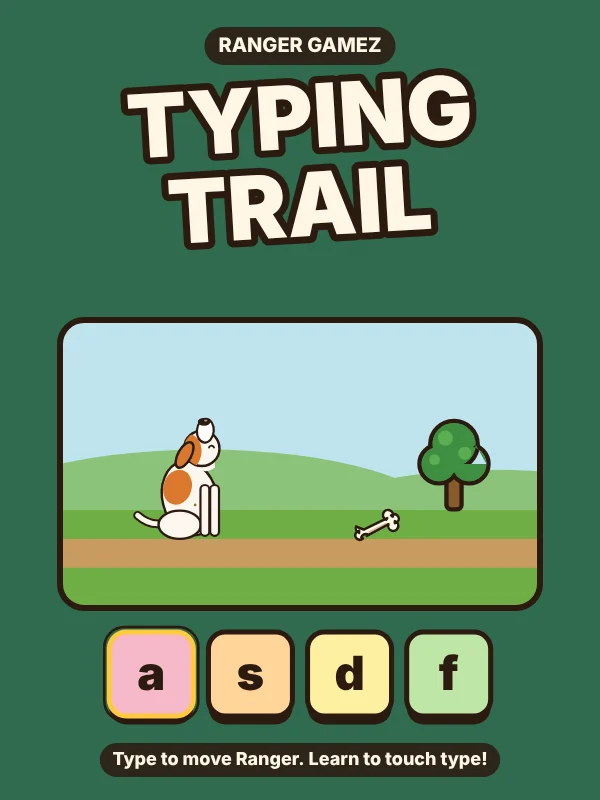
TYPING TRAIL
Touch typing from the home row to full sentences. Best with a real keyboard.
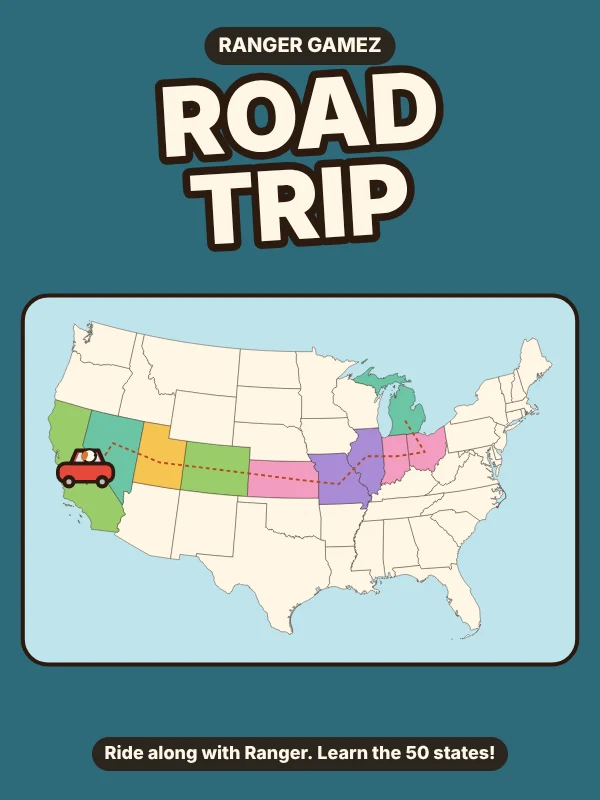
ROAD TRIP
Shapes, neighbors and capitals, region by region.
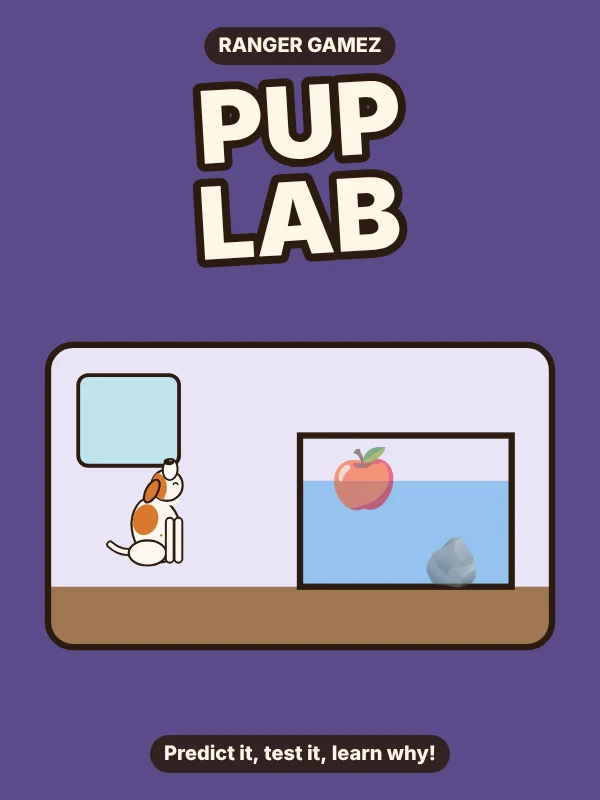
PUP LAB
Predict it, test it, learn why: floating and sinking, magnets, light and life cycles.
ROAD TRIP has three maps. Each button above opens the link maker on that map, and the link you make keeps it.
What students see
- A lesson card with your activities in order. They can play every one, even levels they haven’t unlocked yet.
- A Lesson done card at the end, with a paw for each activity, to show you.
- Their own progress stays theirs. It’s saved in the browser on that device, and the lesson doesn’t send it anywhere.
Questions
Do students need accounts?
No. They open the link and play. There is nothing to sign up for and nothing to install.
How do I see how students did?
At the end of the lesson each student gets a Lesson done card with a paw for every activity. They show you their screen. Nothing is sent to you or to us.
Can I make the lesson in Spanish?
Yes. In the link maker, pick Español under Language for students, and the games open in Spanish for everyone who uses that link.
Which devices work?
Chromebooks, iPads, phones and computers, in any modern browser. TYPING TRAIL works best with a real keyboard.
More for grown-ups: all learning games by subject and age · privacy · questions to Rangergamez@protonmail.com